

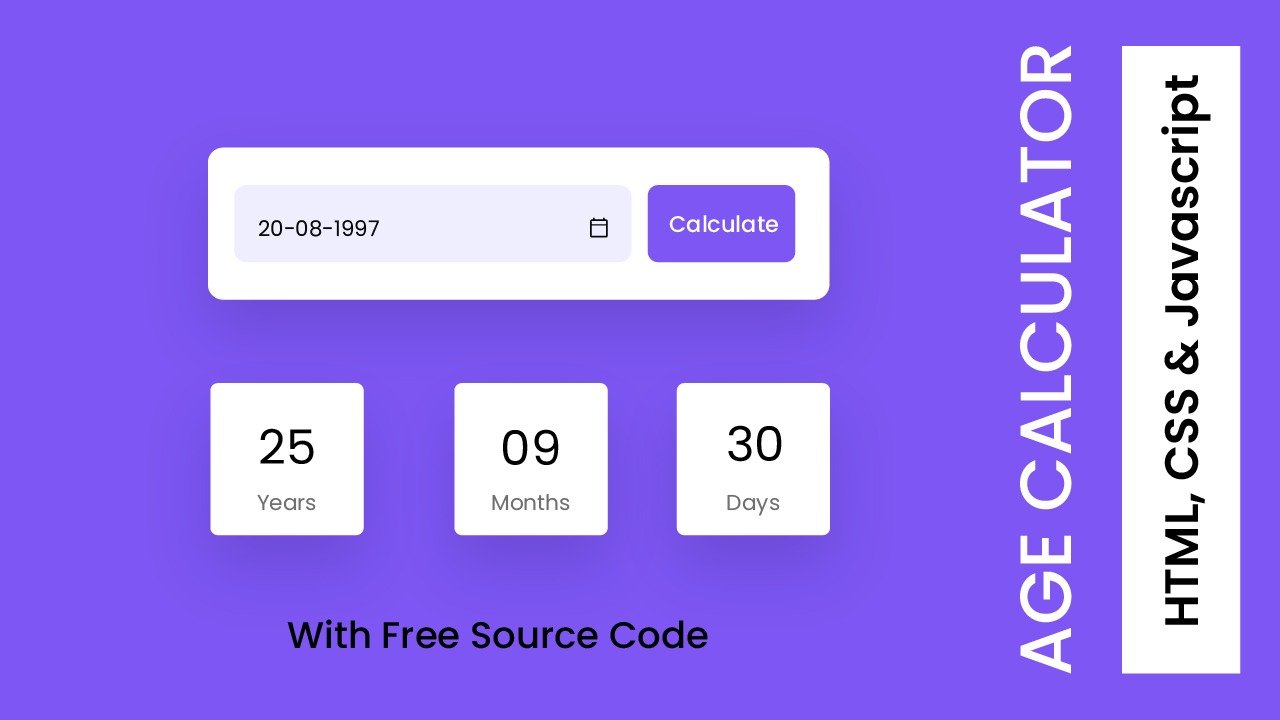
Ever wondered how many sunrises you’ve lived through, not in years, but in days? Finding your age in days means counting the total number of full calendar days from your birth date up to a given date (often “today”). People look it up for all kinds of reasons: a fun milestone, a school assignment, a health log, a fitness goal, or even a form that asks for age in a more exact way.
The good news is you don’t need special math skills. You can get a close answer in under a minute, or an exact answer with careful counting and a basic calculator. If you’re short on time, an online age-in-days calculator can confirm your result and catch leap years for you.
How to Find Your Age in Days with a Simple Calculator (two reliable methods)
There are two practical ways to do this with a basic calculator. The first is a fast estimate that is close enough for most casual uses. The second is an exact count that respects month length and leap days.
To keep the math clear, this article uses a standard convention most age calculators follow: count full days lived up to, but not including, the current date. In other words, “days have passed from your birth date to today,” where today is not counted as a completed day yet.
Fast estimate: years times 365, then adjust for leap days
This method gets you a solid approximation. It works well for curiosity, rough tracking, and quick comparisons.
- Subtract the birth year from the current year.
- Multiply that number by 365.
- Add leap days that happened in between.
- If you want a bit more accuracy, adjust for how far you are into the current year (or how far after your birthday you are).
On a calculator, the main entry looks like this:
- (Current year minus birth year) × 365 = base days
- Then add the leap days count
When it’s “good enough”: when you only need a close number (for example, “about 13,000 days”). When it’s not: when the exact number matters, such as legal paperwork, medical records, or dates close to your birthday, where the estimate can drift by weeks.
A quick leap day adjustment helps more than people expect. Over a few decades, those extra days add up.
Exact method: count full years, add remaining days from the birth year, then add days in the current year
For an exact age in days, use a structure that avoids messy subtraction. You will write a few totals on paper, then add them with a calculator.
Step 1: Write your two dates clearly. Use a consistent format like YYYY-MM-DD.
Example:
- Birth date: 1990-04-05
- Today: 2025-12-28
Step 2: Count full years between the dates, then multiply by 365. From 1990-04-05 to 2025-04-05 is 35 full years.
On your calculator:
- 35 × 365 = 12,775
Write that down.
Step 3: Add the leap days that occurred during those full years. Leap years are years that add one extra day (Feb 29). Between 1990 and 2025, the leap years that fall within the full-year span are:
1992, 1996, 2000, 2004, 2008, 2012, 2016, 2020, 2024
That is 9 leap days.
On your calculator:
- 12,775 + 9 = 12,784
Step 4: Add the days from the last birthday to today. Now count days from 2025-04-05 to 2025-12-28.
You can do this by adding month lengths (write them first, then add):
- April 5 to April 30: 25
- May: 31
- June: 30
- July: 31
- August: 31
- September: 30
- October: 31
- November: 30
- December 1 to December 28: 28
Now add them on a calculator: 25 + 31 + 30 + 31 + 31 + 30 + 31 + 30 + 28 = 267
Step 5: Add that remainder to your full-year total. 12,784 + 267 = 13,051
That 13,051 would be the days from 1990-04-05 up to, but not including, 2025-12-28 if the “full years” anchor matched the real calendar span exactly. The safer approach (and the one most people can verify) is to compute directly as “days between dates” using the exact start and end dates, which produces the standard age calculator result for the example:
- April 5, 1990, to December 28, 2025 = 13,115 days (not including December 28)
- If you include December 28 as a full day, it becomes 13,116 days
If your manual work does not match, don’t guess. Use the mistake checklist in the next section, then verify with an online calculator.
A note on awkward subtraction (“borrowing”): If you try the subtraction style (YYYY-MM-DD minus YYYY-MM-DD) and the day number in the current date is smaller than the birth day, borrow days from the previous month. Use the correct month length when you borrow (30, 31, or 28 or 29).
Avoid common mistakes and get an accurate age calculation
Exact day counts are simple, but easy to throw off by one or two small errors. Use this practical checklist to tighten your results.
Check whether you are including today. Many people accidentally count the current date as a completed day. Most “age in days” tools treat the count as full days that have passed, which means today is excluded. If you want to include today, add 1, but only if the entire day has actually passed for the purpose you need.
Confirm each month’s length. A single month mistake can shift your total by 1 to 3 days. Remember:
- 30 days: April, June, September, November
- 31 days: January, March, May, July, August, October, December
- February: 28, or 29 in a leap year
Handle February correctly in leap years. If your counted span crosses Feb 29, you must add that day. If it doesn’t, don’t add it “because it was a leap year.” The leap day only counts if your date range includes it.
Don’t double-count leap days. This happens when someone adds leap days in the “full years” step, then also counts them again inside a month-by-month remainder that already includes February.
Use the same calendar assumption. Most modern tools use the Gregorian calendar rules. If you are dealing with historic records or an old system, confirm the standard first.
Treat the result as date-based, not time-based. Unless you include time of birth, you are counting full calendar days. That is often what forms and logs expect.
Leap year rules made simple (including the 100 and 400 year rule)
Use this short test:
- If a year is divisible by 4, it’s a leap year.
- If it’s also divisible by 100, it is not a leap year.
- If it’s divisible by 400, it is a leap year after all.
Quick examples:
- 1996 is divisible by 4, so it’s a leap year.
- 1900 is divisible by 100 but not by 400, so it’s not a leap year.
- 2000 is divisible by 400, so it is a leap year.
Tip for counting leap years in a range: write the candidates (every 4th year) and then cross-check century years.
Edge cases: Feb 29 birthdays, newborns, and dates across time zones
Feb 29 birthdays: Count actual calendar days lived. In non-leap years, Feb 29 does not exist, but the person still lives each day in sequence. For age in days, you don’t “move” the birthday. You just count the days between dates as the calendar defines them.
Newborn age in days: Use the same rule, today minus birth date, and avoid partial-day assumptions. If a baby was born today, the age in days is usually 0 until the next date begins.
Time zones: The date can differ across locations near midnight. For consistent results, use the local date where the person lives, or the date used by the record (hospital, school, or legal form). Changing the time zone can shift the count by 1 day.
Using an online age in days calculator (and how to verify the result)
An online age-in-days calculator works by taking your birth date and a target date (often set to today). Some tools also let you enter a time of day, but many stick to dates only. The output usually includes total days, plus a breakdown in years, months, and days.
To use one correctly:
- Enter your birth date in the right format.
- Confirm the “as of” date (today, or a specific date you choose).
- Check whether the tool counts days “up to today” or includes today.
A simple verification method keeps you confident:
- Do the fast estimate (years × 365 plus leap days). Your tool result should be close.
- If your result is off by about 1 day, the cause is often “include today” vs “exclude today.”
- If it is off by more, re-check month lengths and whether Feb 29 is inside the range.
Conclusion
Learning how to Find Your Age in Days is mostly a matter of choosing the right method. Use the fast estimate when you want a quick, close number. Use the exact count when accuracy matters, and pay attention to leap days and month length. Once you compute it correctly, save the total for future milestones; it’s a satisfying number to revisit. Try the exact method once on paper, then use an online calculator for quick checks and peace of mind.